Capture from anywhere
Start from a business card, QR profile, spreadsheet, manual entry, or voice note.
CaptureStackit keeps each person, the context behind the meeting, and the next step together—then helps you search and prepare with AI.
Stackit turns scattered cards and memories into a working relationship system that stays useful before and after every meeting.
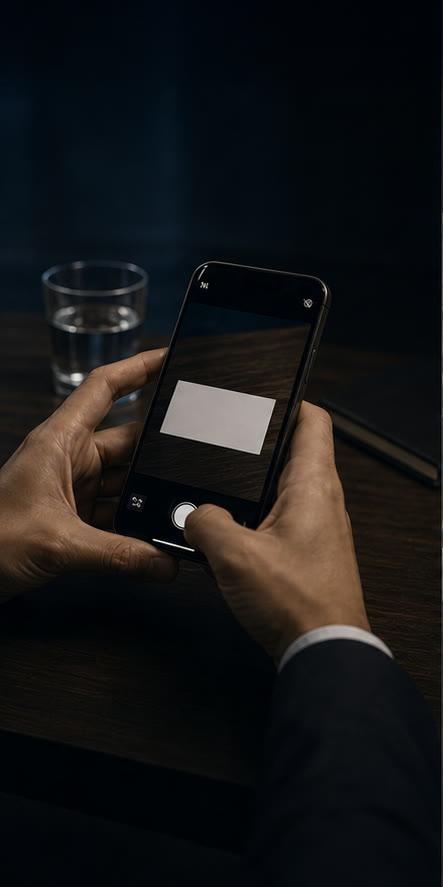
Scan a card, exchange a QR profile, import a spreadsheet, or add a contact manually.

Attach notes, tags, voice transcripts, meeting history, and the original card image.

Find who needs attention, prepare a meeting brief, or search your network in plain language.
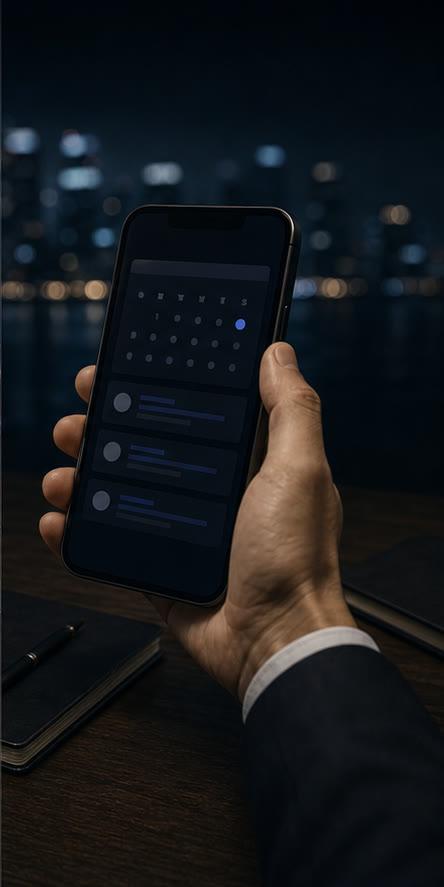
Turn the plan into a Stackit reminder, event, or note while you stay in control.
Capture the relationship once, then make that context useful across search, meetings, reminders, and Agent conversations.
Start from a business card, QR profile, spreadsheet, manual entry, or voice note.
CaptureKeep notes, tags, meetings, reminders, and the original card image attached to the contact.
MemoryAsk about people, companies, topics, or dormant relationships in plain language.
SearchBring prior conversations and relationship context together before you walk in.
PrepareUse Stackit calendar events, reminders, and Agent suggestions to keep next steps visible.
ActReview extracted fields and Agent actions, export your data, or delete your account data.
ControlStackit is designed for cross-border professional relationships. Keep the original card image and review the extracted contact fields before saving.
Recognition quality varies with card design, lighting, and print quality. Always review extracted details before saving.
Scan cards and capture context while it is fresh, then use Stackit Agent to prepare, prioritize, and organize the next action.
Web, iOS and Android · Free to start